Guide
How to build a team resource hub
A team resource hub gives members one reliable place to find the links, files, videos, notes, scripts, and training materials they use most.
Last reviewed: 2026-07-13
Start your 14-day trial
Preview template
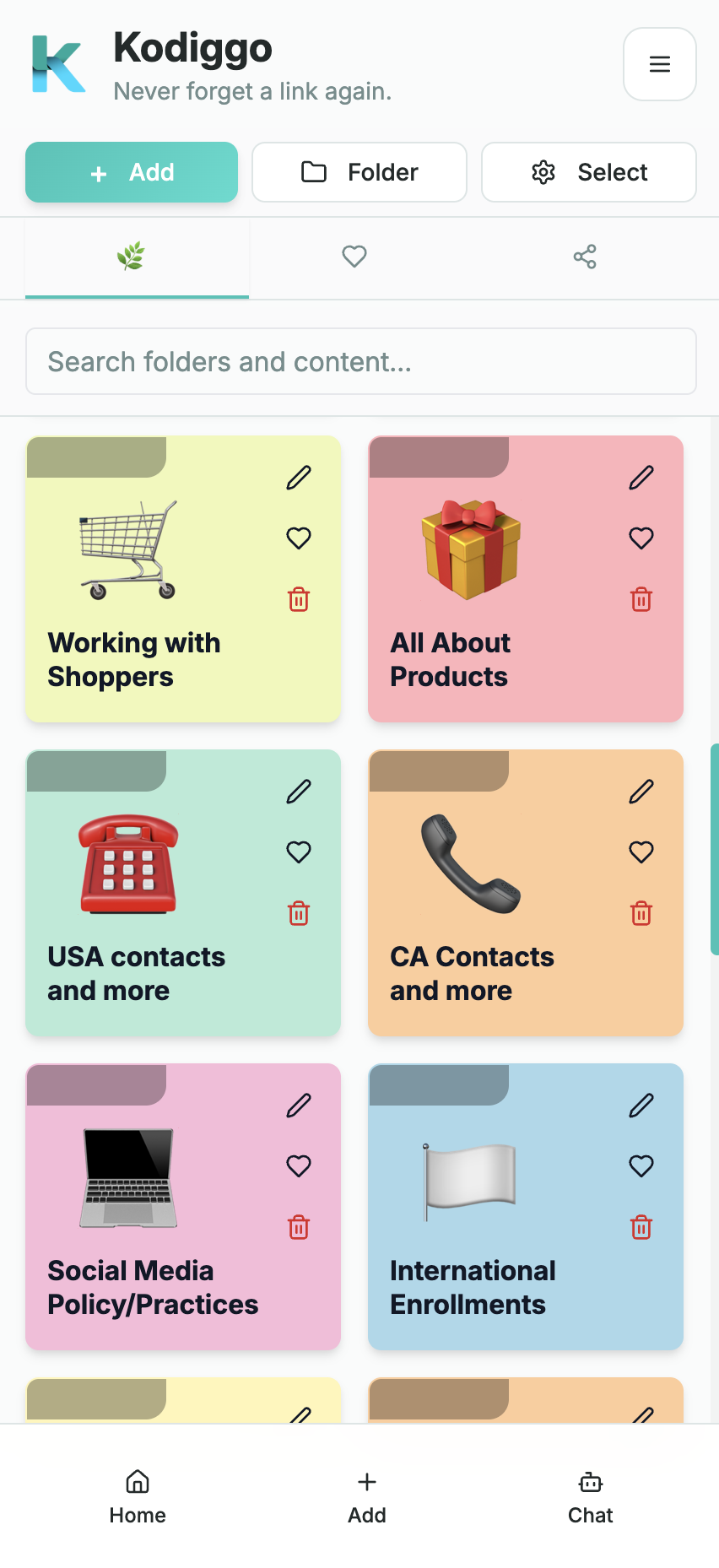
A hub fails when it becomes another messy storage place. It works when it is organized around real team workflows.
- Reduce searching across apps and chats.
- Make resources easier to maintain.
- Help members find approved information faster.
- Create a foundation for onboarding and duplication.
What Kodiggo helps you organize
- Workspaces
- Folders
- Visual cards
- Team access
- Search
A practical setup path
- Choose the hub's main purpose.
- Create top-level folders for recurring workflows.
- Add only useful resources at first.
- Name resources clearly.
- Review and prune the hub regularly.
Common questions
What should go in a team resource hub?
Add the links, files, videos, notes, scripts, training materials, and product information your team needs repeatedly.