Can I recreate this template in Kodiggo?
Yes. Create the folder structure, add your own resources, then invite members when the hub is ready.
Team Training Hub Template
Use this ready-made structure to turn scattered links, videos, files, notes, and training materials into a simple path your team can follow.
Last reviewed: 2026-07-13
Included with your 14-day Kodiggo trial.
Preview the template Use this template in Kodiggo
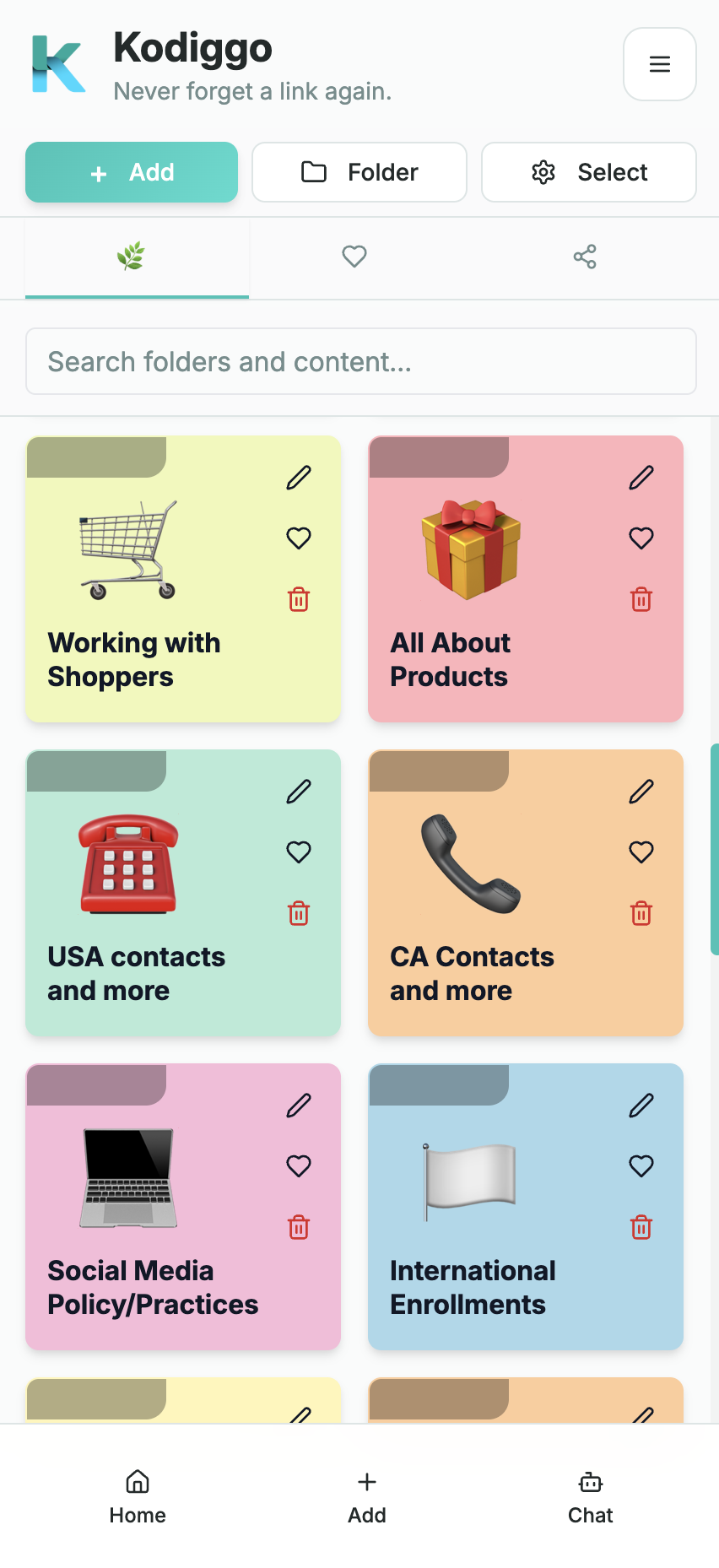
The structure should make the first step, the next step, and the right support path obvious.
Give new members one obvious starting point instead of asking them to search through an entire library.
Organize training and actions in a sensible order so people can focus on the next step.
Make support contacts, FAQs, current resources, and additional training easy to find.
Introduce the team, explain the purpose of the hub, set realistic expectations, and show members where to request support.
Give new members a small number of useful actions they can complete without becoming overwhelmed.
Turn the first week into a simple sequence of learning, practice, activity, and support.
Organize the information members need to speak accurately and confidently.
Provide helpful examples without forcing every person to sound exactly the same.
Keep current links, videos, PDFs, product pages, and presentation resources in one organized location.
Make the repeatable activities and support rhythm easy to understand.
Answer common questions while showing members when a situation requires personal help.
Keep recent changes visible without allowing them to disappear inside group conversations.
Give members clear ways to receive the right type of help.
This template provides an organizational structure, not approved business, product, health, legal, or income content. Replace the examples with current resources authorized by your company or organization.
A smaller, focused hub is more useful than a large library filled with irrelevant resources.
Use current materials from your organization and verify all product, income, health, and compliance-related statements.
Organize the hub around the new member's journey rather than the order in which files were created.
Confirm that pages load, videos play, documents are current, and permissions allow members to access them.
Choose a person or process responsible for reviewing outdated information and publishing updates.
Yes. Create the folder structure, add your own resources, then invite members when the hub is ready.
The template structure is shown publicly. Using it inside Kodiggo starts with the 14-day Kodiggo trial.