Network marketing software for your team's training and resources
Kodiggo gives network marketing and direct sales teams one workspace for onboarding, training videos, approved scripts, product information, files, links, notes, and the answers leaders repeat most.
Last reviewed: 2026-07-13
Built for resource organization and team knowledge—not commission calculations, genealogy, lead purchasing, or income promises.
Use Kodiggo alongside your official company systems and authorized resources.
Useful information loses value when people cannot find it at the moment they need it. A training video may be buried in a group chat, a script may exist in several versions, and a new member may not know which link is still current.
Kodiggo gives those reusable resources a permanent home. Leaders can organize the information they already share, and members can return to one dependable workspace instead of requesting another resend.
A clear onboarding path
Create one obvious starting point with welcome information, first steps, essential links, support contacts, and the resources a new member needs first.
Training people can revisit
Keep training videos, files, notes, links, and examples together by topic so members can review them without searching across several applications.
Scripts and conversation examples
Organize approved scripts, follow-up examples, common responses, and supporting resources without forcing every person to communicate in exactly the same way.
Product and service resources
Give current product information, official documents, videos, webpages, and frequently asked questions one organized place in the team workflow.
Searchable team knowledge
Help members search the workspace and use the AI Companion to ask questions based on knowledge saved in the hub.
One current source
Update the resource in one location instead of distributing another disconnected copy through multiple conversations.
What Kodiggo helps you organize
Welcome notes and getting-started instructions
Training videos and recorded explanations
Product or service information
Official links and reference documents
Approved scripts and conversation examples
Follow-up resources
Frequently asked questions
Team-call and support information
Current announcements and revised materials
Notes, images, files, links, videos, folders, and collections
Build the resource side of your team in one workspace
Kodiggo is designed for the information your team needs repeatedly. Organize resources around the member’s journey or the work they are trying to complete—not around the application where each item was originally stored.
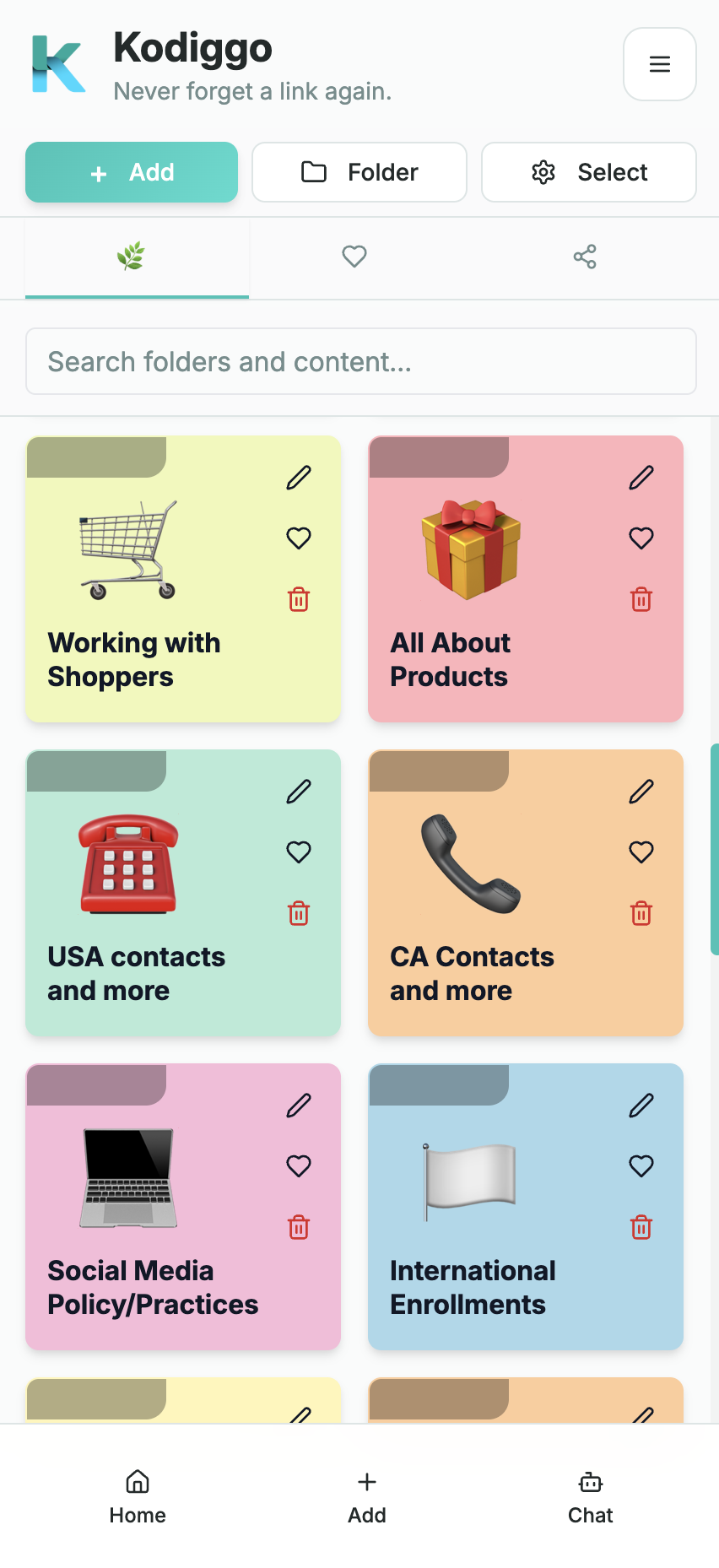
A Kodiggo workspace can bring together the resources, instructions, links, and answers members need to revisit.
The goal is not to move every file your team has ever created. Start with the information people ask for most often, make the next step easy to understand, and expand the hub only when a real need appears.
Welcome notes and getting-started instructions
Training videos and recorded explanations
Product or service information
Official links and reference documents
Approved scripts and conversation examples
Follow-up resources
Frequently asked questions
Team-call and support information
Current announcements and revised materials
Notes, images, files, links, videos, folders, and collections
“Network marketing software” can describe several very different product categories. Kodiggo focuses on the reusable information and team-knowledge part of the workflow.
Kodiggo does not need to replace every tool your team uses. It gives the reusable information behind those workflows one organized, searchable place.
Need
Appropriate system
Enrollment, orders, commissions, genealogy, or compensation data
Your company’s official back office or an authorized enterprise system
Contact records, reminders, opportunities, and follow-up status
A CRM or contact-management system
Live conversations and announcements
Your approved messaging or communication application
Live meetings, webinars, and scheduled calls
Your meeting and calendar tools
Onboarding, training, scripts, files, videos, links, and reusable answers
Kodiggo as the team resource and knowledge hub
Build a system that is easier to maintain
Collect what you repeat
List the questions, links, videos, files, scripts, and instructions leaders send most often. Those become the first resources in the hub.
Create one starting path
Organize the first resources in the order a new member needs them. Make the first action and the support path obvious.
Test it with real members
Ask a small group to use the hub without extra explanation. Notice where names, steps, or instructions remain unclear.
Keep one version current
Review links and resources when products, policies, training, or team processes change. Remove outdated material instead of allowing several versions to circulate.
Support duplication without replacing leadership
A useful team system reduces unnecessary repetition, but it does not remove the need for coaching, accountability, encouragement, judgment, or personal support.
Kodiggo helps make routine information easier to find and reuse. Leaders can then spend more time helping with situations that genuinely require a person instead of repeatedly locating the same link or explaining the same first step.
Every team remains responsible for following its company’s policies and all applicable rules. Product, health, legal, business, and income-related statements should come from current authorized sources and should be reviewed whenever those sources change.
Who Kodiggo is designed for
Kodiggo may be a good fit when your team repeatedly shares the same training, links, files, videos, or scripts, resources are scattered, leaders want one place to update information, and members need to find routine answers more independently. Kodiggo may not be the right primary system when your main requirement is commission calculation, genealogy administration, lead purchasing, a full CRM and sales pipeline, course completion, social-media scheduling, or a dedicated content-insertion workflow inside conversations.
Teams can use Kodiggo alongside specialized systems when they need a permanent home for training, resources, and repeatable knowledge.
Your team repeatedly shares the same training, links, files, videos, or scripts.
New members are unsure where to begin.
Resources are scattered across chats, drives, bookmarks, and personal notes.
Leaders want one place to update information.
Members need to find routine answers more independently.
Your team wants a resource hub that can support more than one workflow.
A practical setup path
Start Here
A short welcome, an explanation of how to use the hub, realistic expectations, support contacts, and links to applicable company policies.
Your First 24 Hours
The small number of setup steps and actions a new member should complete first without becoming overwhelmed.
Your First 7 Days
A clear sequence of introductory training, practice, activity, follow-up, and support.
Product or Service Basics
Current official information, reference documents, common questions, approved claims, and links to company-provided materials.
Conversation Examples
Natural starting points, follow-up examples, questions, and situations that require support from a leader or the company.
Resources to Share
Current videos, webpages, PDFs, presentation materials, and other approved resources members may need.
Daily and Weekly Method
The repeatable activities, meetings, reviews, and support rhythm your team has chosen to follow.
Frequently Asked Questions
Routine answers alongside clear instructions for questions that require personal, company, legal, health, or compliance guidance.
Updates and Support
Recent changes, revised resources, training schedules, technical help, and the right contact for each type of support.
Common questions
What is network marketing software?
Network marketing software is a broad term for applications that support parts of a direct sales or network marketing workflow. Some products manage company operations, commissions, genealogy, or contacts. Others help teams communicate, train, organize resources, or share approved information. Kodiggo focuses on the resource and team-knowledge part of that workflow.
Is Kodiggo MLM software?
People use “MLM software” to describe several different product categories. Kodiggo can support network marketing and direct sales teams by organizing onboarding, training, scripts, files, videos, links, notes, and common answers. It does not calculate commissions, manage genealogy, purchase leads, or guarantee team growth.
Can Kodiggo organize network marketing training?
Yes. Teams can create folders and resource collections for first steps, product or service knowledge, videos, scripts, files, links, frequently asked questions, and deeper training. Kodiggo focuses on organizing and finding those resources rather than course-completion or learning-management reporting.
Can Kodiggo store scripts, files, videos, and links together?
Yes. A workspace can include notes or text resources, files, videos, images, links, folders, and collections so related materials can be grouped by purpose.
Does Kodiggo replace my company’s back office or CRM?
No. Continue using the official or authorized system for enrollment, orders, commissions, genealogy, customer records, and other company operations. Kodiggo can complement those systems by organizing the training and reusable resources your team needs around them.
How does the AI Companion help?
The AI Companion can answer questions based on information saved in the Kodiggo workspace. Important product, health, legal, compliance, business, and income-related information should still be checked against current authorized sources.
Can Kodiggo guarantee growth or sales?
No. No resource platform can guarantee participation, team growth, sales, or income. Kodiggo helps organize information and repeatable processes; outcomes depend on many factors outside the software.
Can I try Kodiggo before choosing it?
Kodiggo offers a 14-day trial so you can build a hub with your own resources and determine whether the workflow fits your team.