Can Kodiggo store training videos?
Yes. Kodiggo supports video resources alongside links, files, notes, images, and folders.
Training and onboarding
Kodiggo gives teams one place for onboarding paths, training videos, notes, scripts, files, links, and repeatable learning resources.
Last reviewed: 2026-07-13
Start your 14-day trial Preview onboarding template
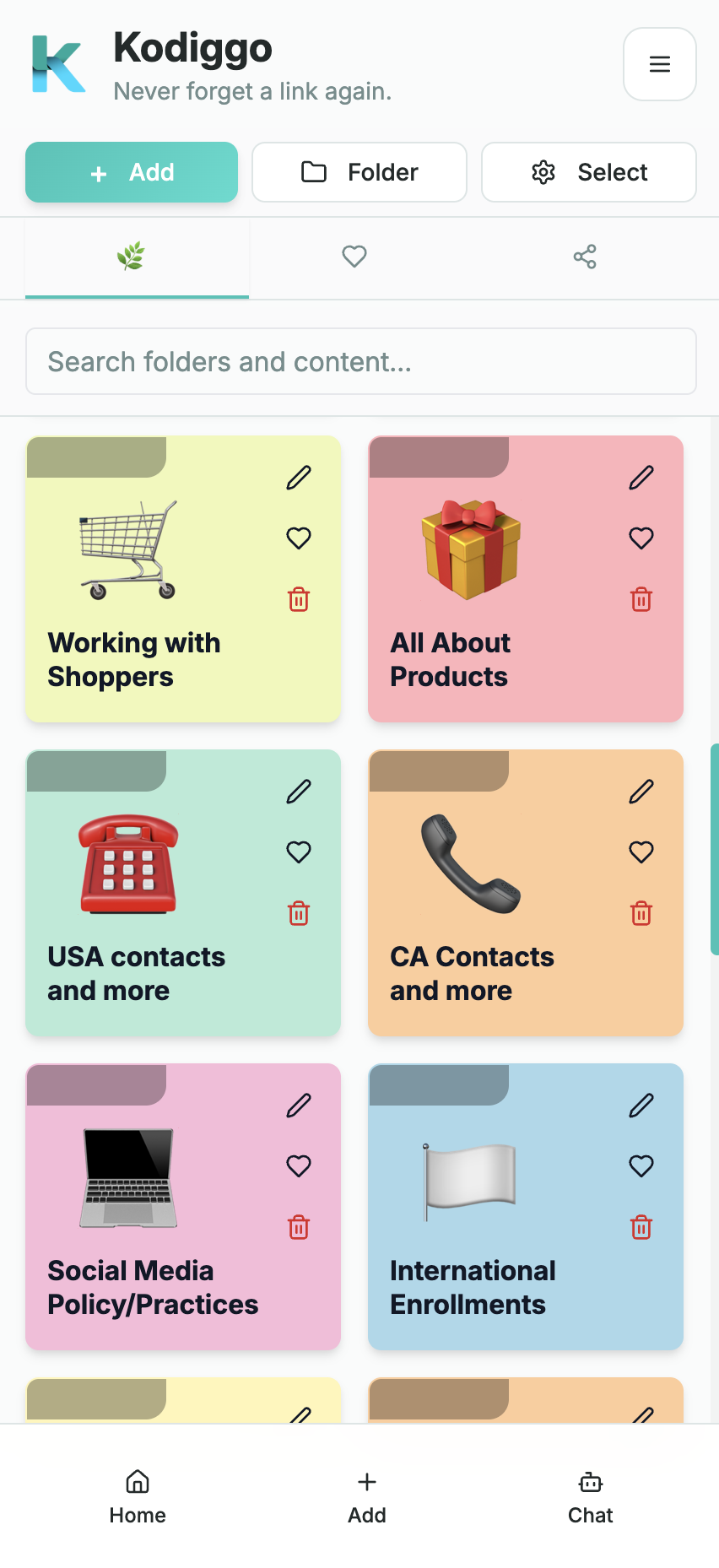
A training system becomes difficult to follow when the first steps live in one conversation, product information lives in a drive, scripts live in personal notes, and important videos are sent one at a time.
Kodiggo gives the resource side of training one organized home. Leaders can build a clear path for new members while keeping deeper training and reference information available when it becomes relevant.
Show members where to begin, what to complete first, what can wait, and where to request support.
Organize introductory videos, links, files, practice activities, meeting information, and next actions in a sensible order.
Keep current official information, supporting documents, common questions, and authorized resources together.
Save approved starting points, follow-up examples, responses, and situations that require help from a leader or the company.
Group current webpages, videos, PDFs, images, and presentation materials so members can find the appropriate resource.
Document routine answers while making escalation instructions clear for sensitive or company-specific questions.
A training hub needs a maintenance process, not only an initial setup. Members will stop trusting the system if links break, documents conflict, or the first folder becomes a large collection with no clear order.
Kodiggo focuses on organizing what people need to read, watch, find, and reuse. It can complement live coaching, meetings, company training, and any required learning system. It should not be presented as a course-completion, testing, credentialing, or learning-management platform unless those capabilities are verified in the product.
Yes. Kodiggo supports video resources alongside links, files, notes, images, and folders.
Yes. Owners and approved admins can keep resources current as training changes.
Yes. A direct sales team can use Kodiggo to organize onboarding, training videos, product or service resources, approved scripts, links, files, notes, frequently asked questions, and support information.
Yes. Teams can create a Start Here path, first-day and first-week folders, training collections, product resources, scripts, common answers, and support instructions.
The AI Companion can answer questions based on information saved in the workspace. Important product, health, legal, business, income, or compliance information should still be verified against current authorized sources.
No. Kodiggo can organize and make approved resources easier to find, but official company systems, policies, and required training remain the controlling sources.