Guide
How to organize training materials for a team
A good training library helps members find what they need without asking someone to resend the same file, link, video, or script.
Last reviewed: 2026-07-13
Start your 14-day trial
Preview training template
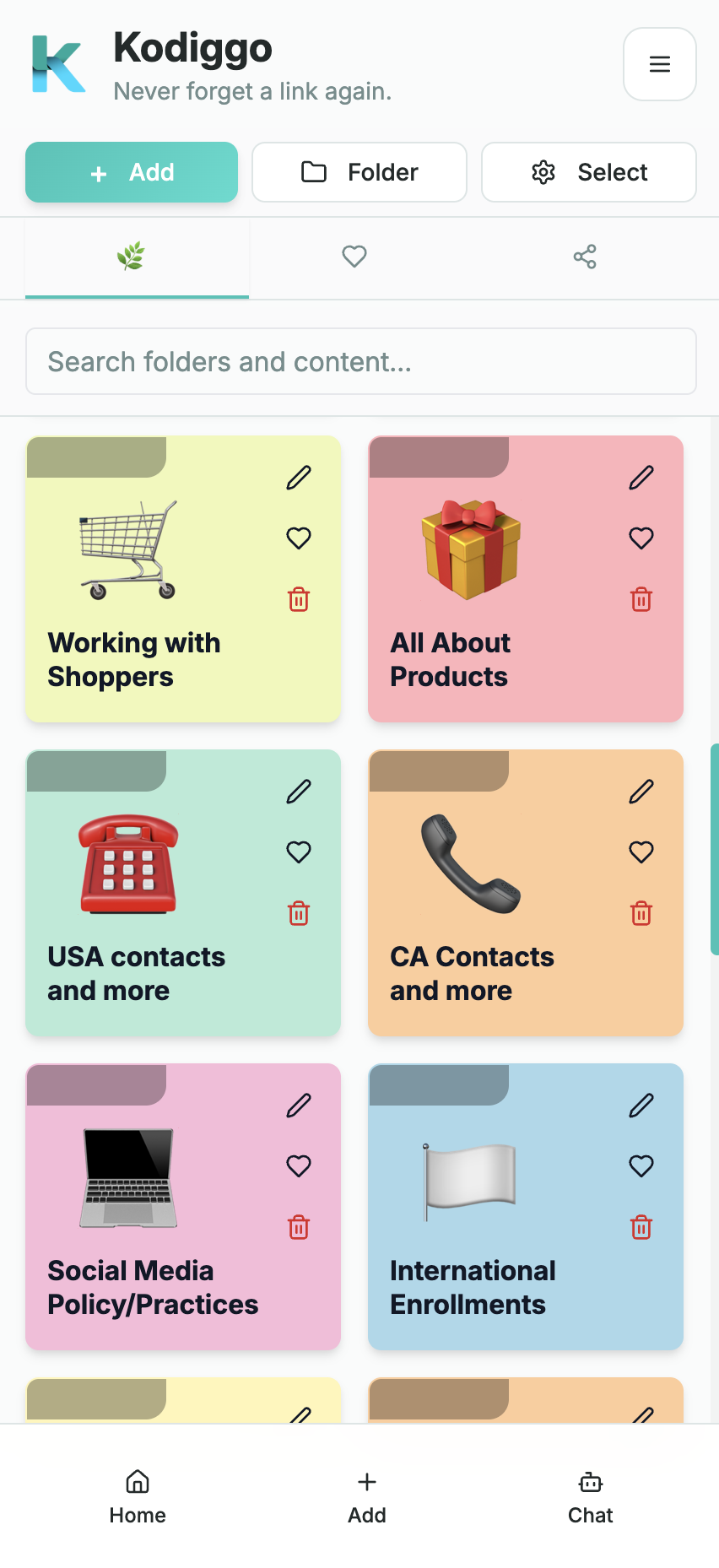
Training materials are easy to create and hard to maintain when they are spread across messages, drives, bookmarks, and personal notes.
- Create a structure members understand.
- Separate starter resources from advanced resources.
- Keep different content types together by topic.
- Make updates easier when training changes.
What Kodiggo helps you organize
- Folders
- Files
- Videos
- Links
- Notes
A practical setup path
- Group materials by outcome, not by file type.
- Create a Start Here folder.
- Add supporting files, videos, notes, and links under each topic.
- Archive or update outdated materials.
- Link related templates and guides together.
Common questions
Should training materials be grouped by file type?
Usually no. Group resources by topic or outcome so members can find everything related to the thing they are trying to do.