Does Kodiggo replace Google Drive?
No. Drive is file storage and document editing. Kodiggo is a resource hub that organizes links, files, videos and notes, and can link to files that stay in Drive.
Looking for a Google Drive alternative?
Google Drive stores files well. It does not tell a new member what to open first. Kodiggo keeps links, files, videos and notes as cards in folders, so people see where to start and find the right resource without asking.
Last reviewed: 2026-11-28
Keep big files in Drive and link to them from Kodiggo.
Start your 14-day trial See the comparison
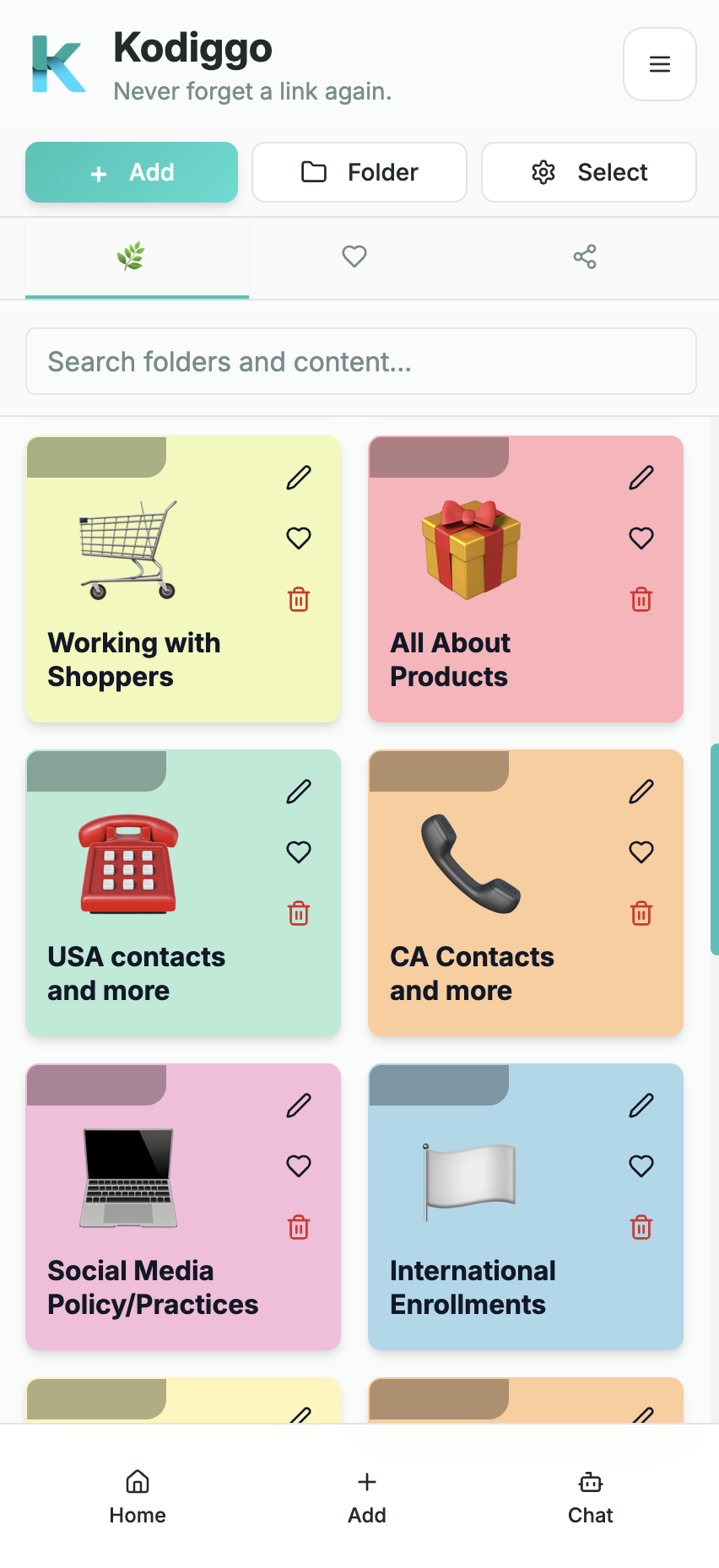
A shared Drive folder shows a list of file names. A new member cannot tell what is current, what to read first, or where the video and the script for it live.
Kodiggo puts each resource on a card with a title and a short note, in folders you order. A link, a file, a video and a script can sit side by side.
Make a Start Here folder so new members know what to open first.
Links, files, videos, notes and scripts live together as cards.
Update the card, and everyone sees the new version.
The AI Companion answers questions from what you saved in your workspace.
Facts about Google Drive were checked on Google Drive's own website on November 28, 2026. Where we could not confirm a detail, the table says so.
| Capability | Kodiggo | Google Drive |
|---|---|---|
| Store files, PDFs and videos | Available; Kodiggo organizes resources and can link to large files | Available, with 15 GB of free storage per Google account |
| Links, notes and scripts next to files | Available as cards | Notes and links live in other Google apps |
| A start-here order for new members | Available with folders you order | Confirm with provider |
| AI answers over your content | Available; you connect your own AI provider | Available with Gemini in Drive; confirm plan details with provider |
| Sharing roles | Owner, admin and member | Viewer, commenter and editor |
| Kodiggo price | $10 a month or $96 a year per owner workspace, 14-day free trial with no card | See the provider's pricing page |
Google Drive is a trademark of its respective owner. Kodiggo is not affiliated with or endorsed by Google Drive. Product features may change, so confirm current details with each provider before making a decision.
Kodiggo is not file storage. Many teams keep large files in Drive and use Kodiggo as the organized place that links to them, next to the videos and scripts.
Pick the thing your team asks for most, such as onboarding or product links, and make a folder for it.
Paste links, upload files and videos, and write short notes. Each one becomes a card your team can find.
Members see a clean view of the workspace. Owners and admins keep it current.
No. Drive is file storage and document editing. Kodiggo is a resource hub that organizes links, files, videos and notes, and can link to files that stay in Drive.
Yes. Google's site describes Gemini in Drive, which can summarize and answer across Drive files. Check Google's pricing page for which plans include it.
Yes. Paste a Drive link into Kodiggo and it becomes a card that members can open, next to your other resources.
Kodiggo is $10 a month, or $96 a year, per owner workspace. Every new owner starts with a 14-day free trial that needs no card. There is no free tier.
Kodiggo does not sell AI credits. When you use the AI Companion, you connect a supported AI provider with your own account or key, and that provider bills you for the use.